Purpose-built workplace hardware that connects people, spaces and technology. From meeting room bookings to visitor arrivals, Nura Space brings intuitive physical touchpoints into one connected workplace experience.
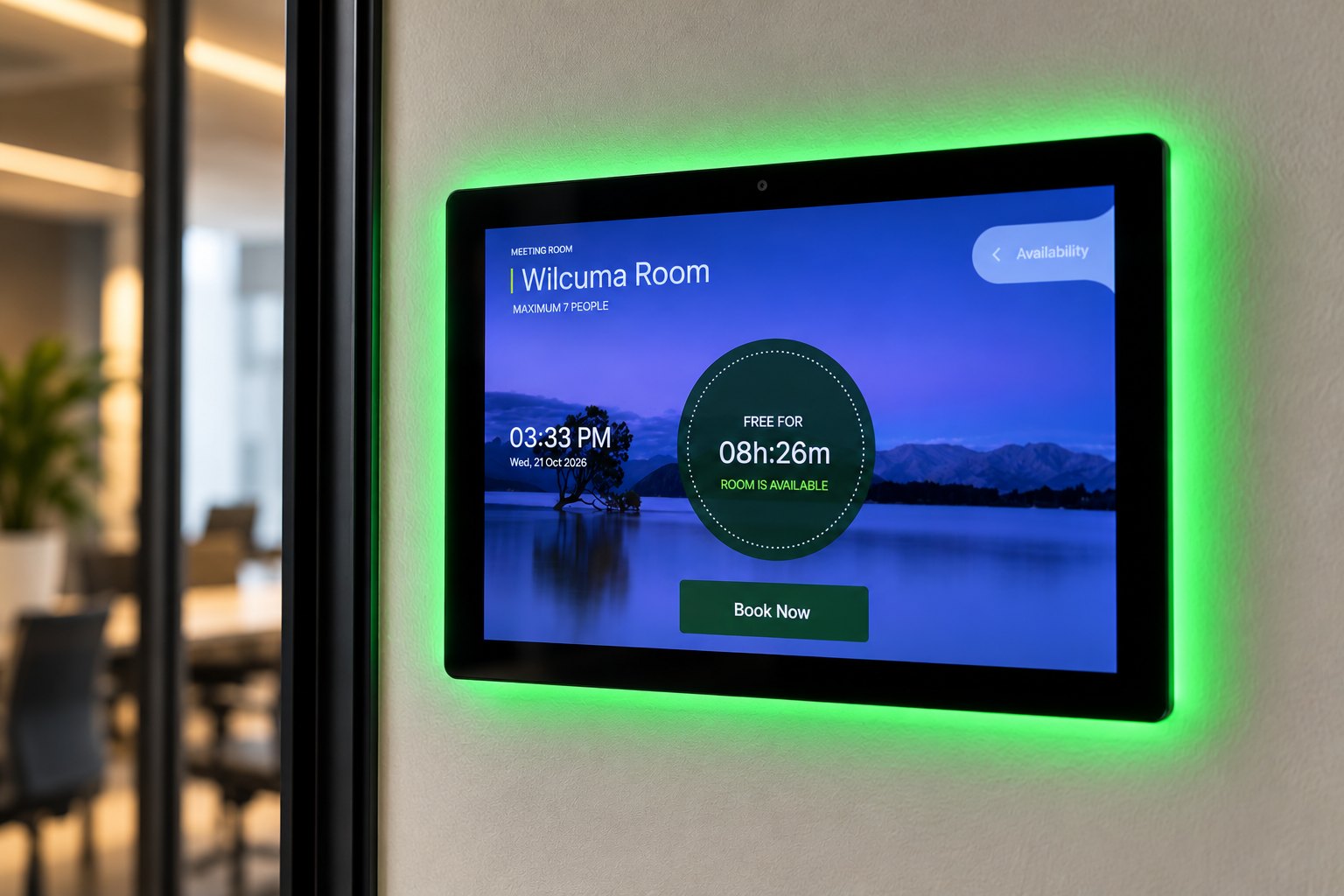
Software tells people what is happening in the workplace. Hardware puts that information where decisions are made: at the meeting room door and at the front desk.
Each Nura Space device is designed to work with the Nura Space platform, so room status, bookings and visitor arrivals stay in sync across the app, the web and the building.
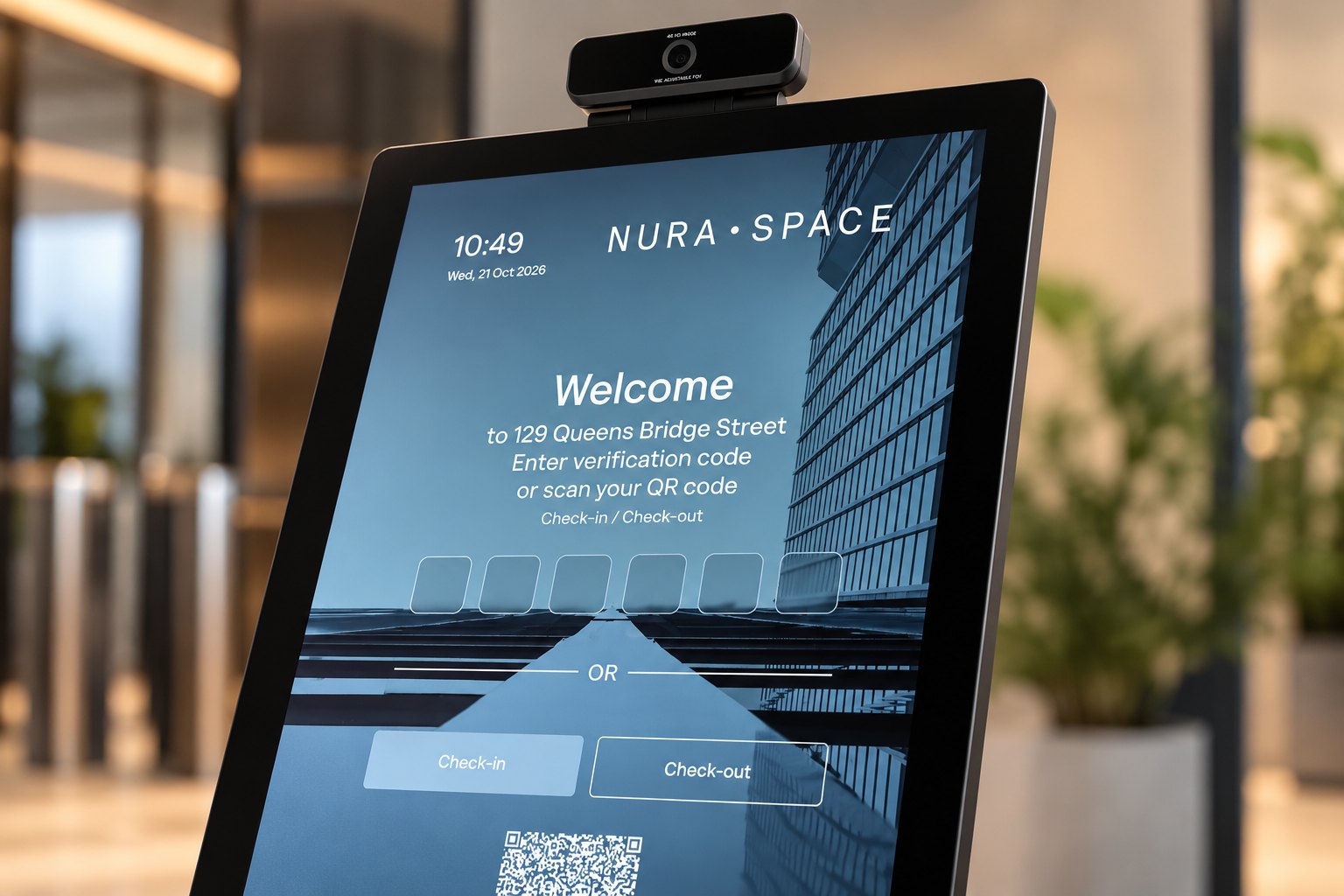
Start with the touchpoint your workplace needs most, and add more as you grow. Every device runs on the same Nura Space platform as your desk, room and visitor software.
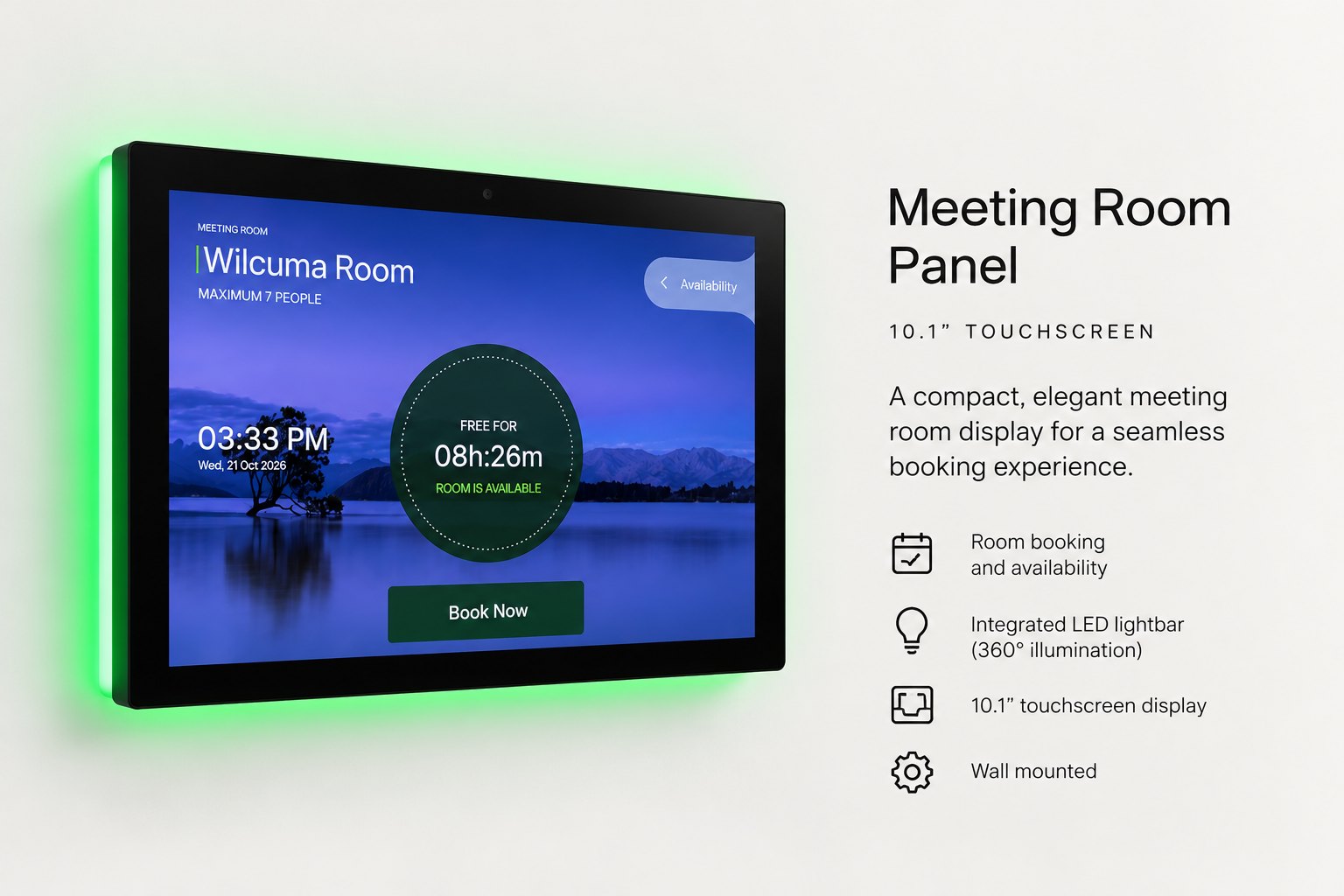
A 10.1-inch touch panel for outside every meeting room. Book, extend or end meetings at the door, with colour-coded status that is visible from across the floor.
Explore Room →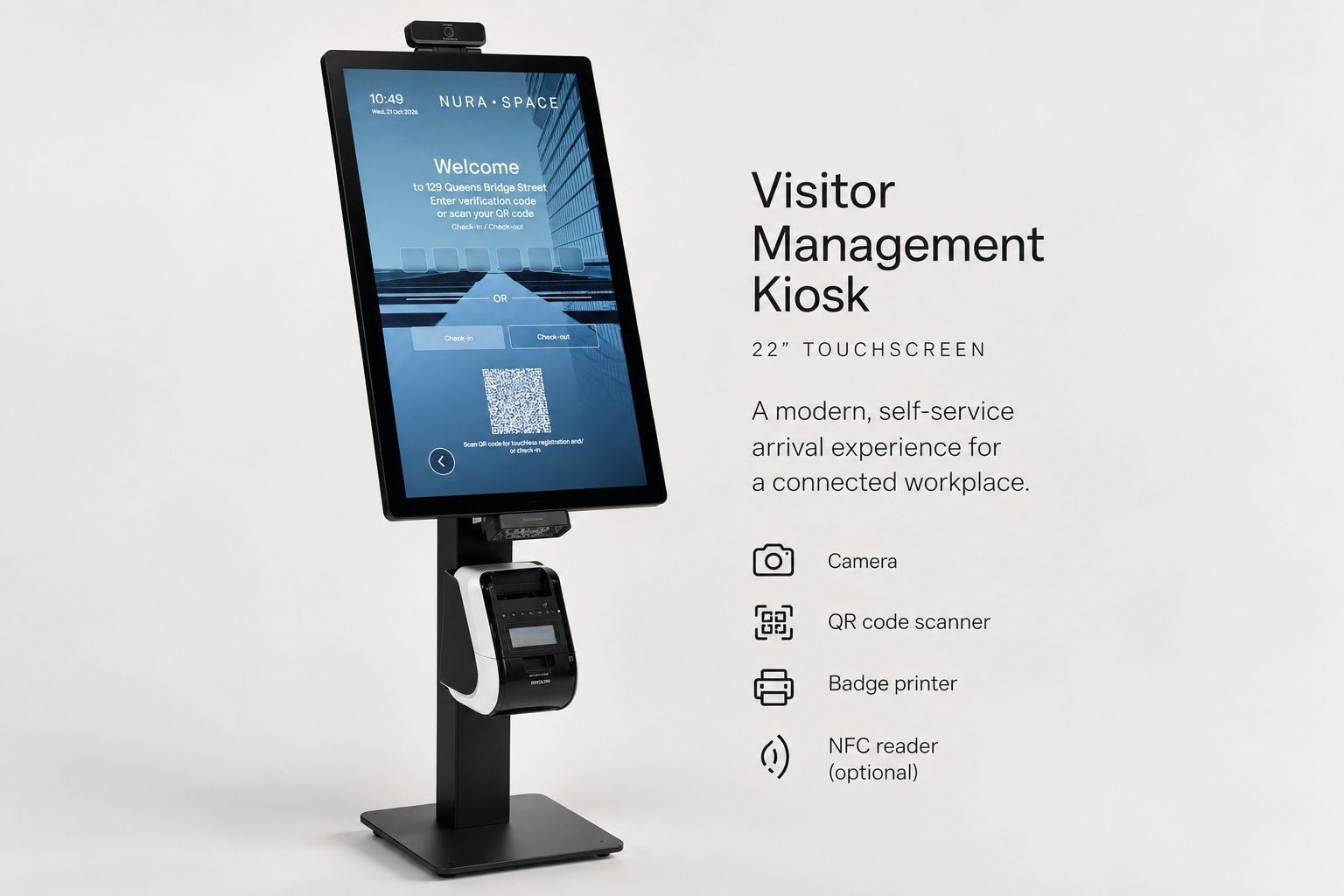
A 21.5-inch self-service kiosk for reception. Visitors check in, notify their host and print a badge in seconds, with camera, QR and NFC options available.
Explore Visitor →
A compact countertop touchscreen with an integrated L-shaped stand. Branded self-service check-in for reception counters and smaller workplaces, without a floor stand.
Explore Visitor L-15 →Three connected devices: Room, a meeting room booking panel; Visitor, a freestanding visitor check-in kiosk; and Visitor L-15, a compact countertop kiosk. All run the Nura Space platform and share the same accounts, floor plans and reporting as the software.
No. The platform works fully through the mobile app, web portal and Microsoft Teams. Hardware adds on-site touchpoints, such as a panel at the room door or a kiosk at reception, where a phone is not the natural way to interact.
Devices are managed centrally from the Nura Space dashboard, receive software updates over the network, and are supported by the Nura Space team in Australia alongside the platform.
Tell us about your workplace and we will recommend the right mix of Nura Space hardware and software, with a demonstration or a quote to suit.

World class design
Huge library of components
Save hours from development